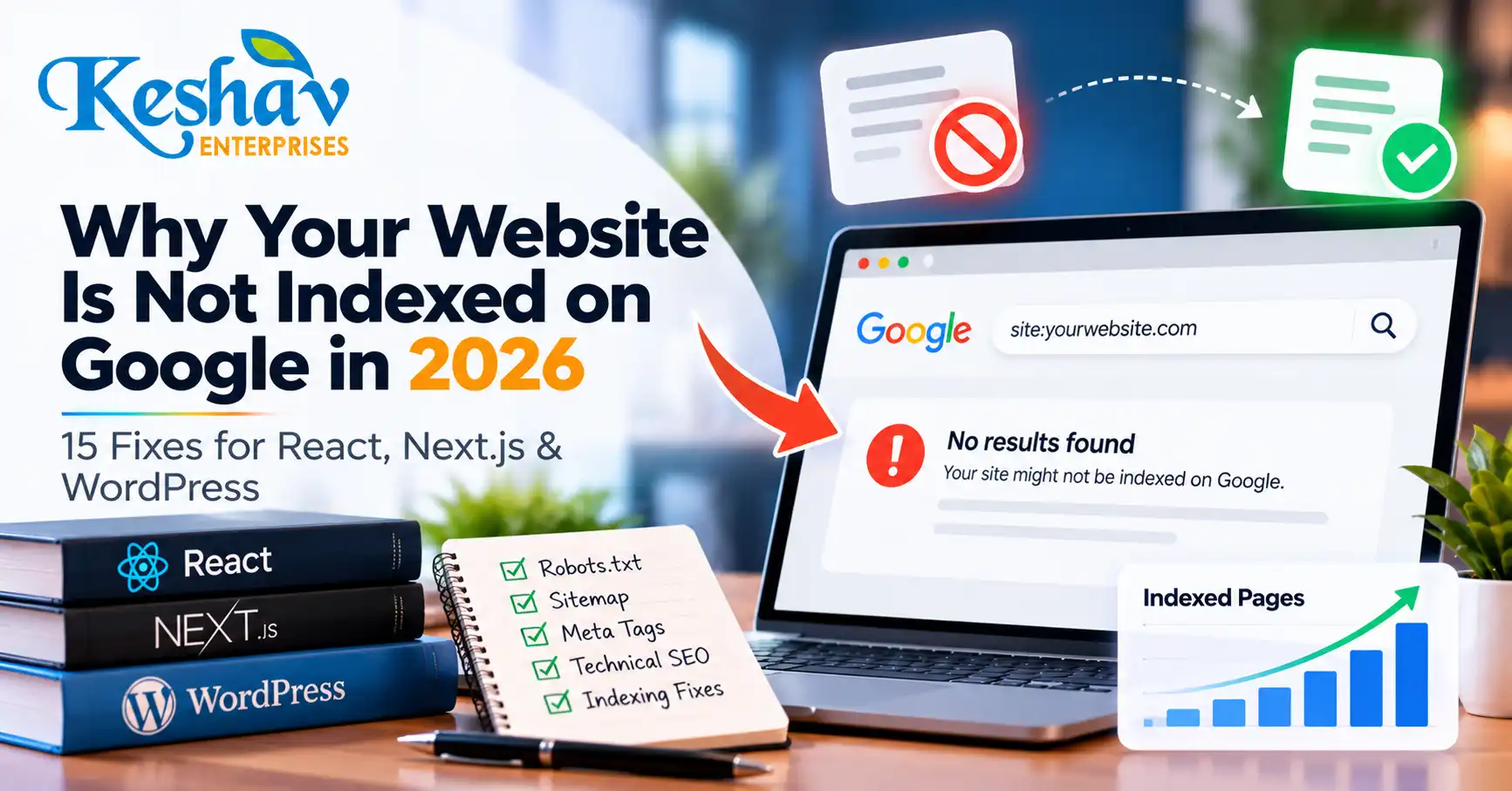
If your website is not indexed on Google, the first task is diagnosis—not repeatedly clicking “request indexing.” A page can fail to appear because the public URL does not exist, the server returns the wrong status, Google is blocked, the canonical points elsewhere, the page is missing from the sitemap, JavaScript fails to render, or the content adds too little unique value.
This 2026 guide explains how to diagnose indexing problems on React, Next.js and WordPress websites, with special attention to headless setups where WordPress manages content but a separate frontend serves the public page.
Quick answer: why is my website not indexed on Google?
The most common causes are: Google has not discovered the URL yet, the page cannot be crawled, the page contains noindex, the canonical points to another URL, the public route is broken, JavaScript prevents important content from rendering, the page is weak or duplicated, or Google has crawled the page but chosen not to index it.
Start by checking the exact public URL in Google Search Console URL Inspection. Then verify the live HTTP status, rendered HTML, canonical, robots directives, sitemap inclusion and internal links.
Understand the difference between discovery, crawling and indexing
| Stage | What it means | What to check |
|---|---|---|
| Discovered | Google knows the URL exists | Sitemap, internal links, feeds and references |
| Crawled | Google fetched the page | Status code, robots rules, rendered content |
| Indexed | Google stored the page as eligible for search | Canonical, content value, duplication and quality |
| Ranking | The indexed page appears for relevant queries | Search intent, relevance, authority, UX and competition |
These stages are different. A page may be crawled but not indexed, or indexed but receive no meaningful impressions.
1. Confirm that the public URL actually exists
For a normal published article, the public URL should usually return HTTP 200. A 404, 500, redirect loop, timeout or soft-404 style response can prevent normal indexing.
On a headless WordPress setup, publishing a post in the CMS does not automatically prove that the frontend route exists. Your React or Next.js application still needs to fetch the post, resolve its slug and serve a working public URL.
2. Check whether the page has a noindex directive
Look for:
<meta name="robots" content="noindex"><meta name="googlebot" content="noindex">- An
X-Robots-Tag: noindexHTTP header - SEO plugin settings that mark the page as non-indexable
- Environment-specific rules accidentally carried from staging
Google’s noindex documentation explains that Google must be able to crawl a page to see its page-level noindex directive.
3. Make sure robots.txt is not blocking essential crawling
A robots.txt file controls crawling, not indexing in the same way as noindex. Check the public domain’s robots file for broad rules such as:
User-agent: *
Disallow: /blog/
Also consider CDN, firewall or security rules that may block Googlebot even when robots.txt appears correct.
4. Verify the canonical URL
A canonical tells Google which URL you prefer when similar versions exist. On headless websites, one of the most damaging mistakes is to point the public page to the backend WordPress URL.
For a public blog article, the canonical should normally match the intended frontend URL. Google may still choose a different canonical if signals conflict, so keep these consistent:
- Canonical tag
- Internal links
- Sitemap URL
- Redirects
- HTTP/HTTPS version
- www/non-www version
Google’s canonical troubleshooting guidance is useful when the selected canonical differs from your preference.
5. Check whether the page appears in your XML sitemap
A sitemap helps Google discover canonical URLs you want considered for search. It does not guarantee indexing, but missing pages can slow discovery on websites where internal linking is weak.
For React or Next.js sites, confirm that the frontend sitemap updates after WordPress publishes a new post. A backend WordPress sitemap is not enough if the canonical public URLs live on another host.
Google recommends using fully qualified canonical URLs in sitemaps. See the official sitemap documentation.
6. Make sure important content is available after rendering
Google can render JavaScript, but JavaScript-heavy applications add extra failure points. Google’s own documentation describes crawling, rendering and indexing as separate stages for JavaScript pages.
- The initial HTML contains only an empty app shell.
- The content API fails during rendering.
- Authentication blocks the API.
- Important text appears only after user interaction.
- JavaScript errors prevent the article from loading.
- Client-side routing serves the wrong status code.
Google recommends server-side rendering or pre-rendering as a strong option because it makes content easier to access for users and crawlers. Review the JavaScript SEO basics.
7. Check whether the Next.js or React route supports new WordPress slugs
A headless publishing system usually needs a route such as /blog/[slug]/. Confirm that:
- Published posts are returned by the API.
- The slug query matches WordPress exactly.
- Draft filters do not accidentally hide published content.
- Static builds are revalidated after publication.
- CDN caches are refreshed when required.
- The route returns the correct status if the post does not exist.
If your site requires a full redeploy every time a WordPress post is published, that dependency should be documented and automated safely.
8. Verify title, description and canonical in the public HTML
SEO metadata stored inside WordPress does not automatically appear on a separate frontend. Your React or Next.js application must retrieve and render the intended metadata.
- Unique title
- Meta description
- Canonical URL
- Robots directives
- Open Graph title and image
- Article structured data where appropriate
If the frontend ignores WordPress SEO fields, fixing metadata in the CMS alone will not solve the public page.
9. Improve internal discoverability
Every important article should be reachable through crawlable internal links. Add it to the main blog listing, a relevant category page, related articles, and relevant service pages where editorially appropriate.
A technical SEO guide can naturally support the SEO services page, while a website rendering problem may relate to website development support.
10. Look for duplicate or near-duplicate pages
If multiple pages answer the same question with slightly different wording, Google may choose one representative URL or decide that some pages add little new value.
- Does this page serve a distinct search intent?
- Does it contain unique examples or guidance?
- Is there already another page answering the same question?
- Would updating the existing page be better than creating a new URL?
11. Improve thin or generic content
There is no minimum word count that guarantees indexing. A long article can still be weak if it repeats generic information.
- A direct answer near the top.
- Specific diagnostic steps.
- Clear examples.
- Original checklists.
- Primary-source references.
- Relevant internal links.
- Useful FAQs.
12. Check server reliability and crawl access
If Googlebot repeatedly encounters timeouts, 5xx responses or blocked resources, indexing can suffer. Monitor server logs, CDN errors, API uptime, firewall rules, DNS issues and rate limiting.
13. Understand “Discovered – currently not indexed”
This generally means Google knows the URL but has not indexed it yet. Check whether the page is new, internal linking is weak, the site publishes large volumes of low-value URLs, or the page has limited unique value.
14. Understand “Crawled – currently not indexed”
This means Google has fetched the page but has not added it to the index at that time. Focus on content uniqueness, canonical consistency, duplication, usefulness, site quality and internal linking.
15. Do not confuse indexing with ranking
A page can be indexed and still receive no clicks. Once Search Console confirms indexing, shift the diagnosis toward search intent, keyword relevance, title and snippet quality, topical authority, competition, internal links and conversion experience.
Headless WordPress + React/Next.js indexing checklist
| Check | Expected result |
|---|---|
| WordPress status | Post is published |
| API response | Published post is available without authentication |
| Frontend route | Public URL returns HTTP 200 |
| Rendered content | Main article text is available reliably |
| Canonical | Points to the public frontend URL |
| Robots | No unintended crawl or index block |
| Sitemap | Public canonical URL is included |
| Internal links | Article is linked from blog and related pages |
| Search Console | Exact public URL is inspected and monitored |
A practical 7-day indexing diagnosis workflow
Day 1: technical validation
Check HTTP status, canonical, robots directives, rendered content and page source.
Day 2: discovery
Verify sitemap inclusion and internal links from the blog archive or relevant pages.
Day 3: Search Console inspection
Record the exact indexing verdict. Distinguish unknown, discovered, crawled and indexed states.
Days 4–5: fix the actual cause
Resolve canonical conflicts, rendering failures, noindex rules, broken routes, duplicate content or weak internal links.
Days 6–7: monitor changes
Recheck the live page and Search Console. If the page is technically healthy, focus on usefulness and discovery rather than repeated submission attempts.
This is a diagnostic workflow, not a promise that Google will index a page within seven days.
Frequently asked questions
Why is my WordPress blog published but not showing on Google?
Publishing in WordPress makes the post available in the CMS. Google still needs a crawlable public URL. On headless sites, the React or Next.js frontend must also create and serve the route correctly.
Does submitting a sitemap guarantee indexing?
No. A sitemap helps Google discover preferred URLs, but it does not guarantee crawling, indexing or ranking.
Does Request Indexing guarantee Google will index the page?
No. URL Inspection can help Google recrawl a page, but indexing decisions remain automated and are not guaranteed.
Can JavaScript prevent Google from seeing my content?
Yes. Google can render JavaScript, but failed API calls, blocked resources, client-side errors or delayed rendering can stop important content from being available reliably.
Should a React website use server-side rendering for SEO?
Server-side rendering or pre-rendering can reduce dependence on client-side rendering and make important content easier for crawlers and users to access.
Can a wrong canonical prevent the correct page from appearing?
Yes. Conflicting canonical signals can cause Google to prefer a different URL.
What does “URL is unknown to Google” mean?
It means Search Console does not currently have indexing information for that URL. Verify the route, sitemap and internal discovery, then monitor the URL.
What should I do if Google crawled the page but did not index it?
Review content uniqueness, canonicalization, duplication, usefulness and the site’s overall quality.
Can schema force Google to index a page?
No. Structured data can help describe eligible content but cannot override indexing problems or Google’s decision not to include a URL.
When should I get technical SEO help?
If the problem involves rendering, headless CMS integration, inconsistent canonical signals, server errors or persistent indexing issues across many pages, a combined developer and technical SEO review is usually more efficient.
Final takeaway
If your website is not indexed on Google, diagnose the complete publishing chain. For headless websites, that means WordPress, the content API, the React or Next.js route, rendered HTML, canonical URL, sitemap, internal links and Search Console all need to agree on the same public page.
Keshav Enterprises works across technical SEO, React/Next.js development, WordPress and local search. If you want an indexing or website audit, send your website and affected URLs for review.